
Clear Project Planning
Understand the migration scope, timeline, and project requirements before implementation begins.

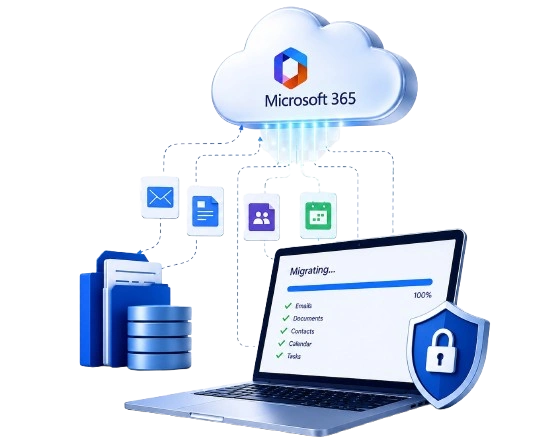
Dynamics Center offers Microsoft 365 migration solutions that help organizations transition data, users, workloads, and configurations from existing environments. Built around a structured migration process, the solution supports planning, migration execution, project visibility, and post-migration activities to help organizations manage every stage with clarity.


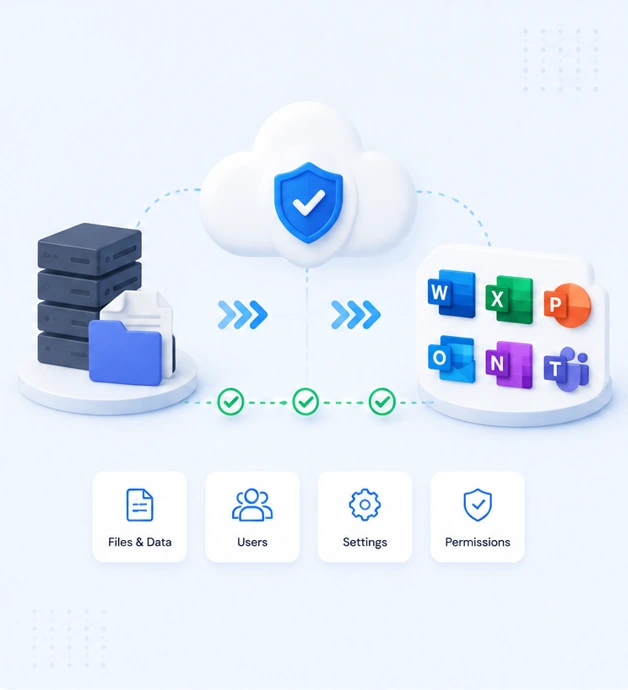
Migrating to Microsoft 365 involves more than moving files from one environment to another. Organizations often face technical, operational, and compliance-related challenges that can affect project timelines and overall migration success if they are not addressed early.
Understanding these challenges before migration begins helps reduce unnecessary delays, protect important business information, and support a smoother transition to the new environment.
Moving business data without proper planning can result in missing files, incomplete metadata, or incorrect permissions that affect daily operations after migration.
Changes to permissions, security settings, or compliance requirements during migration can create access issues and increase the risk of policy violations if they are not reviewed carefully.
Dynamics Center supports Microsoft 365 migrations from a wide range of business platforms and services. Whether you're moving files, mailboxes, users, or workloads, our migration solution helps organizations transition from commonly used systems into Microsoft 365 through a structured migration process.

Microsoft 365

Microsoft SharePoint

Microsoft Exchange

Entra ID

Active Directory

Dynamics 365

SharePoint

Google Drive

Gmail

Google Workspace

Microsoft Teams

OneDrive
Dynamics Center helps organizations migrate to Microsoft 365 with confidence through proven methodologies, secure processes, and end-to-end support that ensure business continuity and long-term success.

Support organizational changes with carefully planned Microsoft 365 migrations that keep business data protected and users productive throughout the transition.

Combine multiple Microsoft 365 tenants into a single, well-organized environment with minimal disruption while maintaining data integrity.

Migrate to Microsoft 365 faster with accurate data transfer, clean content, and simplified post-migration management for your organization.
Every Microsoft 365 migration follows a defined process to help keep the project organized from start to finish. We assess your environment, migrate your data, monitor progress, and provide post-migration support to ensure a smooth transition.
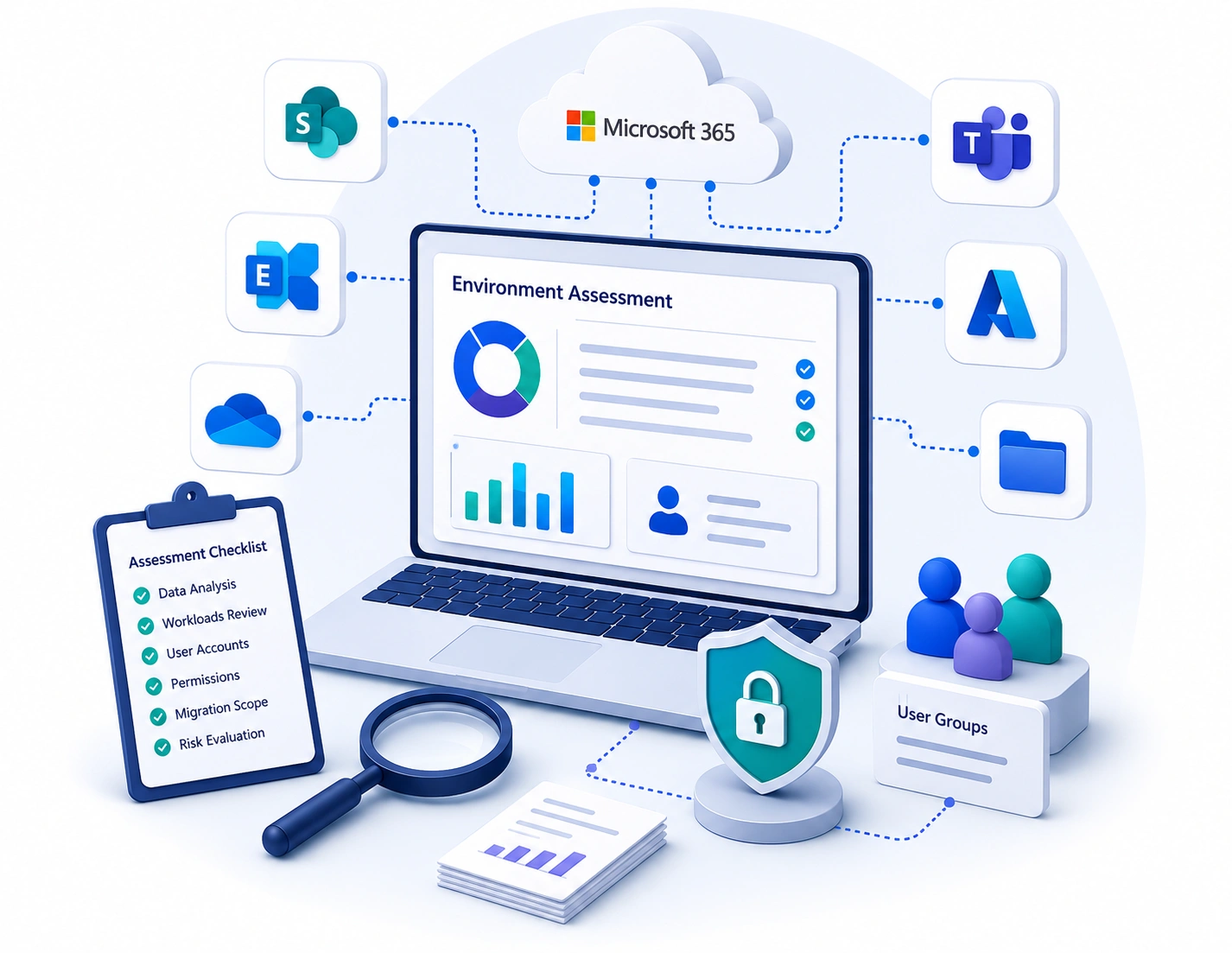
Build a successful migration strategy with a detailed assessment of your current environment. Dynamics Center analyzes your data landscape, workloads, user accounts, permissions, and overall migration scope to help define realistic timelines, identify potential challenges, and create a structured migration plan before execution begins.
Once the migration plan is finalized, Dynamics Center moves your business data, user accounts, documents, and workloads to the target environment using a structured migration process. Every stage is carefully managed to maintain consistency and minimize interruptions during the transition.
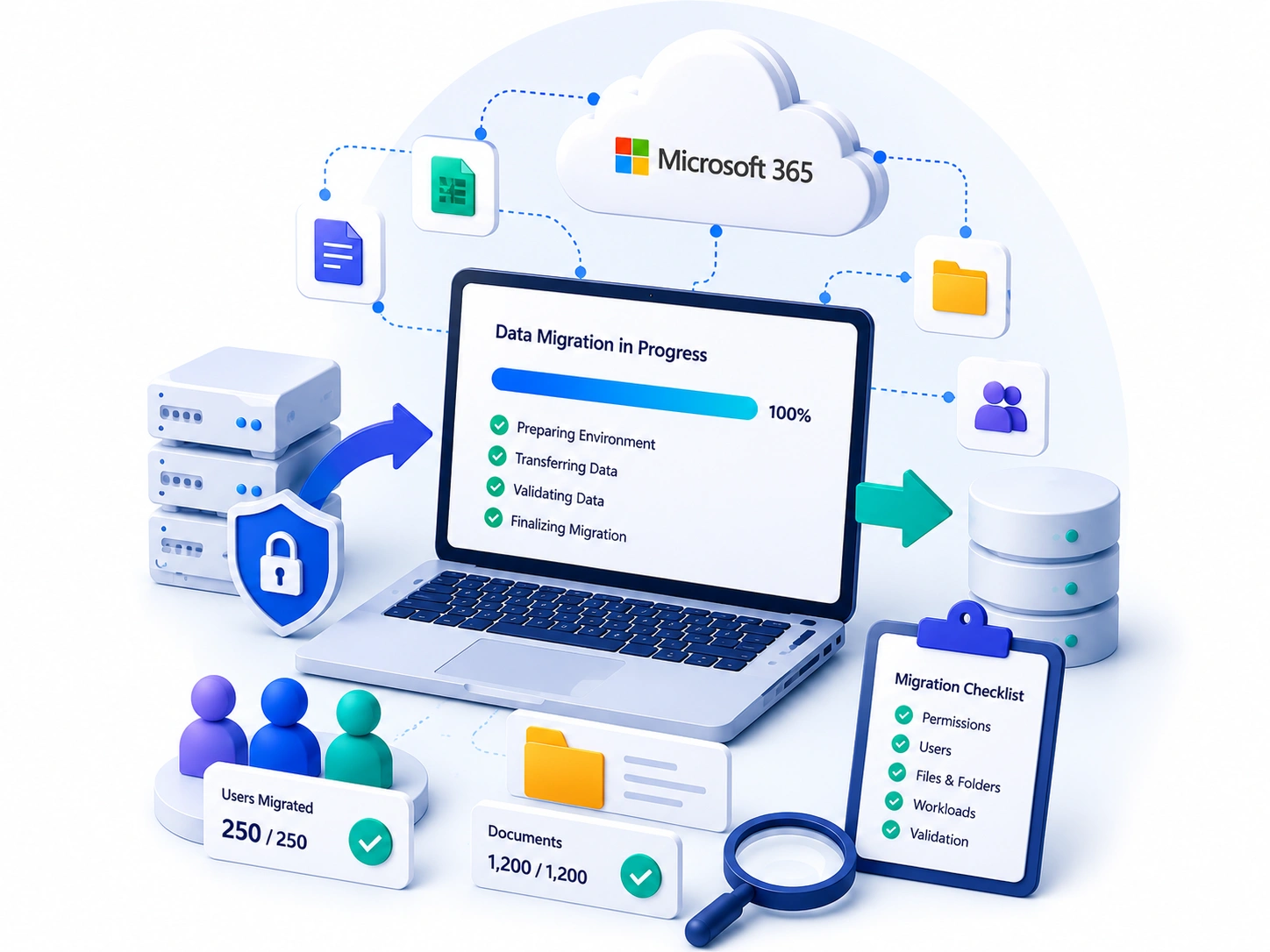
During the migration, it is important to understand the progress of every stage. Dynamics Center provides clear reporting that helps you monitor completed tasks, ongoing activities, and any items that require attention throughout the project.
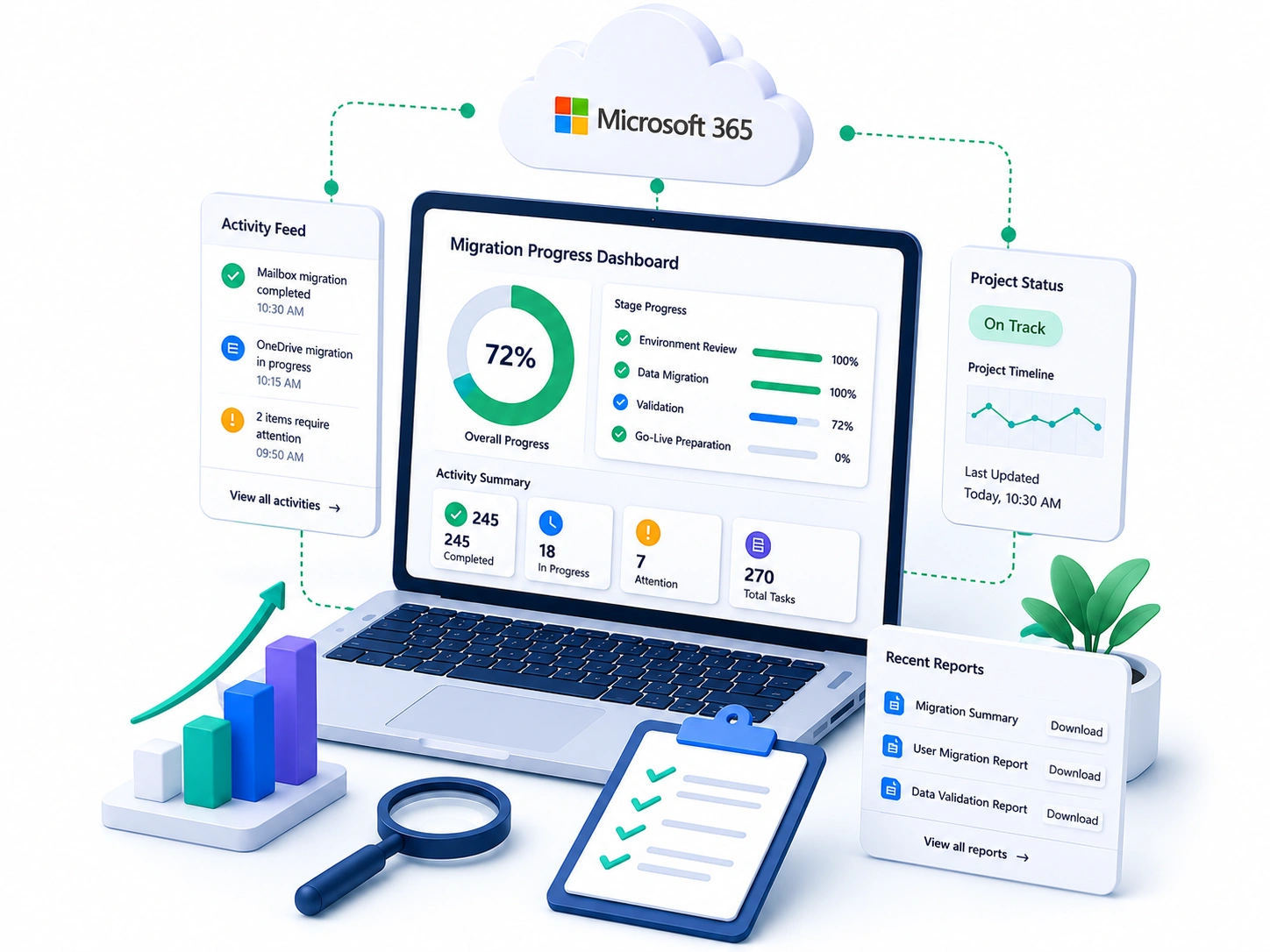
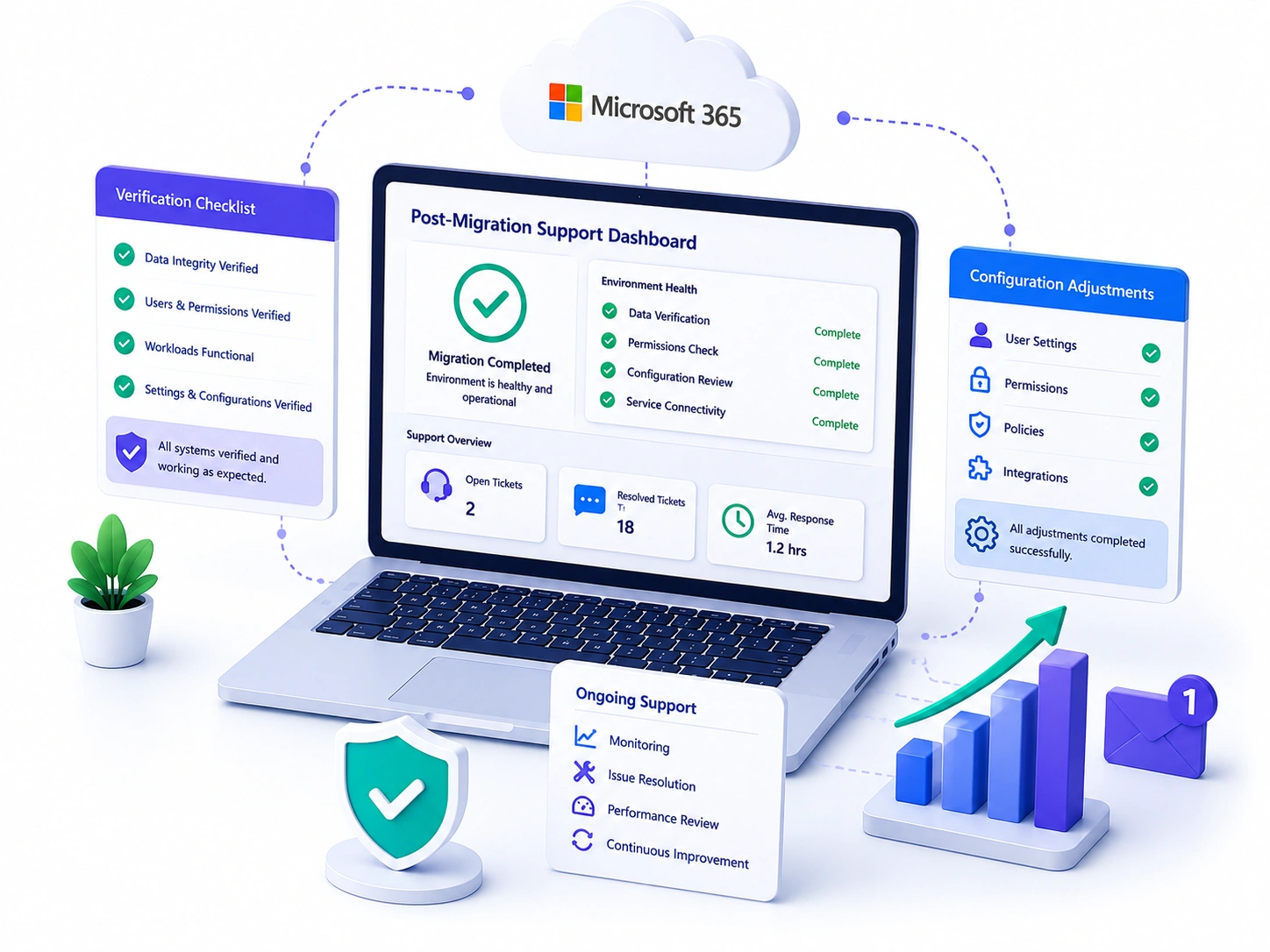
Migration does not end when the data is transferred. After the project is completed, Dynamics Center reviews the migrated environment, verifies that everything is working as expected, and addresses any remaining issues that may arise during the transition.
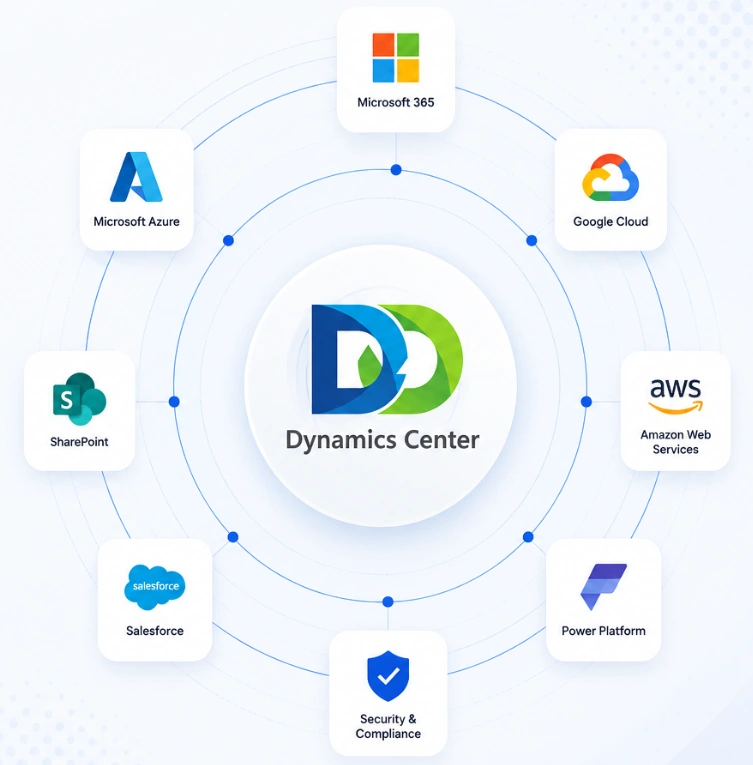
Dynamics Center connects Microsoft 365 with Azure, SharePoint, Power Platform, Google Cloud, and other business platforms to create a single connected environment. This helps organizations manage users, permissions, and business data from one place.
Bring Microsoft 365 together with cloud services and business applications in one connected environment for easier day-to-day management.
Manage users, permissions, security settings, and collaboration tools from a single location across connected platforms.
Dynamics Center combines practical planning, broad migration support, and continued assistance to help organizations manage Microsoft 365 migrations from start to finish.
Understand the migration scope, timeline, and project requirements before implementation begins.

Support migrations from Microsoft, Google, on-premises, and other business platforms into Microsoft 365.

Continue receiving support after migration to review and manage your Microsoft 365 environment.
Microsoft 365 migration is one part of a modern workplace. Dynamics Center helps organizations extend their Microsoft environment with connected solutions that improve business operations, collaboration, cloud management, automation, and long-term digital growth.

Implement and customize Dynamics 365 solutions that streamline business processes, improve customer engagement, and support day-to-day operations across your organization.

Configure and optimize Microsoft 365 services to improve collaboration, document management, communication, and workplace productivity for your teams.

Design, deploy, and manage Azure cloud environments that support secure applications, business data, infrastructure, and ongoing cloud operations.

Build business apps, automate manual processes, and create reporting solutions that help teams work more efficiently with less repetitive effort.

Implement Microsoft Copilot to help teams create content, summarize information, and complete everyday work more efficiently across Microsoft 365.
Create SharePoint environments that improve document management, knowledge sharing, collaboration, and access to business information across teams.